Why Does a Push Down Chopper Get Stuck? Fixes

Quick Answer
A push down chopper usually gets stuck because a vegetable is too large or hard for the blade grid, food residue blocks the cutting openings, the lid and blade insert are misaligned, or the pusher teeth cannot pass through the grid properly. Stop pressing, release the mechanism according to the manufacturer’s instructions, and clear the obstruction with the supplied cleaning tool before trying again.
A push down vegetable chopper should move through its cutting stroke without requiring excessive force. If the lid stops halfway, the vegetable remains wedged in the blades, or the pusher will not open normally, forcing it can damage the mechanism or bend the cutting components.
The best fix depends on where the obstruction occurs. A vegetable trapped in the grid needs a different solution from a lid that cannot close because an attachment is incorrectly seated.
Why Does a Push Down Chopper Get Stuck?
The most common causes are oversized vegetables, hard produce, food lodged between the blades, dried residue, and misaligned components. Identifying the exact cause before applying pressure helps prevent unnecessary damage.
- Oversized pieces: The vegetable does not fit within the cutting grid or is too thick for the selected attachment.
- Hard vegetables: Dense produce creates more resistance than the blade assembly can handle comfortably.
- Blocked blades: Vegetable skins, seeds, fibers, and starch collect between the cutting edges.
- Misaligned parts: The blade insert, lid, or pusher teeth are not positioned correctly.
- Incorrect assembly: A removable attachment is loose, incompletely seated, or incompatible with the selected lid.
- Damaged components: Bent blades, cracked plastic, or a distorted pusher can prevent normal movement.
A useful distinction is whether the chopper becomes stuck only while cutting food or also when it is empty. A problem that occurs only with certain vegetables usually points toward food size, hardness, or residue, while resistance without food may indicate an assembly or mechanical problem.
How to Unstick a Push Down Chopper Safely
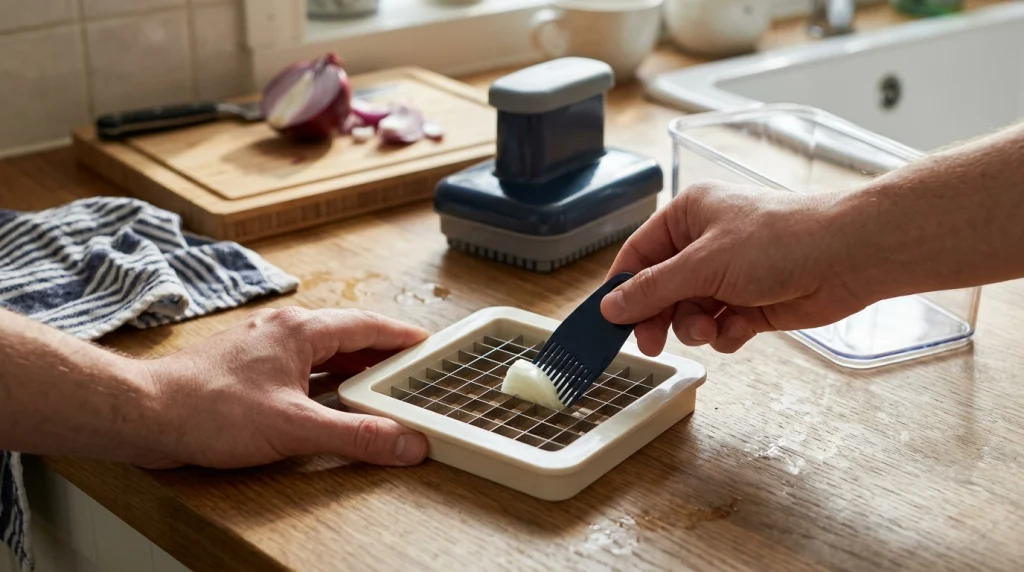
If the lid is jammed halfway through a stroke, stop pressing immediately. Do not try to overcome the resistance with your body weight, because the extra force may damage the plastic housing, pusher teeth, or blade frame.
- Stabilize the chopper. Place it on a flat, stable surface and keep your fingers away from the exposed cutting grid.
- Release the pressure. If the lid can be lifted or unlocked normally, release it gently. Do not twist or pry a locked mechanism unless the instructions specifically allow it.
- Separate removable parts. Once the unit can be opened safely, remove the container and blade attachment using the designated handles or frame.
- Inspect the obstruction. Look for a thick vegetable piece, a strip of skin, fibrous material, or accumulated food lodged between the blades.
- Remove trapped food. Use the supplied cleaning fork, comb, or brush from the non-cutting side whenever the design permits. Keep your hands away from sharp edges.
- Check the assembly. Look for a loose blade insert, food trapped beneath the lid, or pusher teeth that do not line up with the grid.
- Reassemble and test cautiously. Follow the model’s instructions and test the mechanism without food only if the manufacturer permits it. Stop if resistance remains.
Safety Warning
Never push your fingers through the cutting grid or use a knife tip, screwdriver, or other metal object to force food out. Do not dismantle a locked mechanism or force a blade insert free. Follow the specific manufacturer’s release and cleaning instructions.
For a model-specific example, the RüK Classic Vegetable Chopper manual warns against applying additional force when the cutter top will not descend fully and explains how to remove lodged food using the blade insert’s designated safe side.
Which Problems Make a Chopper Difficult to Push Down?
1. The vegetables are too large
Vegetables that extend beyond the cutting grid or are too thick for its openings can prevent the lid from completing its stroke. A large onion half, thick potato section, or oversized piece of pepper may press unevenly against the blades.
What to do: Remove the food after releasing the mechanism safely, then cut it into smaller pieces that fit comfortably within the selected grid. Do not assume that a vegetable fitting inside the container will also fit through the cutting blades.
2. The vegetable is too hard or dense
Some manual choppers are not designed to cut every hard vegetable. Dense raw carrots, firm squash, and similarly tough ingredients can create enough resistance to make the pusher stop or strain the blade assembly.
What to do: Check the permitted ingredients in the instruction manual. If the food is allowed, prepare smaller pieces where appropriate; if the manufacturer excludes that ingredient, use a suitable knife or another preparation method instead.
Do not assume that pressing harder will solve the problem. Some models specifically prohibit using their blade inserts on very hard vegetables.
3. Food is lodged between the blades
Small pieces may remain trapped in the grid after chopping. Potato starch, vegetable fibers, skins, and seeds can obstruct the cutting openings or prevent the pusher teeth from moving through them freely.
What to do: Open the chopper as instructed and remove the trapped material with its supplied cleaning tool. Check both the blade grid and the matching grooves on the pusher plate, because residue in either area can interfere with movement.
If the same problem returns after every few pieces, clear the grid between batches instead of continuing to press against the accumulating obstruction.
4. Dried food is blocking the mechanism
Food residue becomes harder to remove when it dries on the blades, hinge, or pusher grooves. A chopper left unwashed after preparing sticky or starchy ingredients may therefore become difficult to operate during its next use.
What to do: Clean the removable components according to the manufacturer’s care instructions. Use warm, soapy water only where permitted, and allow the parts to dry thoroughly before reassembly.
For more detailed cleaning guidance, see this vegetable chopper cleaning guide, which covers residue removal from cutting grids, pusher plates, hinges, and containers.
5. The lid or blade insert is misaligned
A push down chopper depends on the pusher and cutting grid fitting together correctly. If the blade insert is not seated properly or the pusher teeth do not align with the grid openings, the lid may catch even when no vegetable is present.
What to do: Remove and reinstall the attachment as directed. Check that it is the correct insert for the lid and that the locking tabs or seating points are fully engaged.
Never force a misaligned lid into place. If the parts will not fit together normally, check for trapped debris, incompatible attachments, or damaged locking features.
What If the Chopper Gets Stuck Even When It Is Empty?
If the pusher still catches when no food is present, the problem is less likely to be caused by vegetable size alone. Concentrate on the assembly, moving parts, and signs of damage.
- The lid catches at the same point: Inspect the hinge, guides, and pusher alignment for visible obstructions or distortion.
- The pusher teeth strike the blade grid: Check whether the insert is seated correctly and whether the attachment matches the lid.
- The locking tabs will not engage: Look for trapped residue, cracked plastic, or a damaged locking feature.
- The blade frame appears bent: Stop using the chopper. A distorted cutting assembly may not align safely with the pusher.
- The lid remains locked after food is removed: Follow the manufacturer’s release procedure instead of forcing the hinge or twisting the lid.
Do not continue using a chopper with cracked housing, loose blades, damaged locking parts, or visibly bent components. Contact the manufacturer about an approved replacement part or repair option when necessary.
How to Prevent a Push Down Chopper from Getting Stuck Again
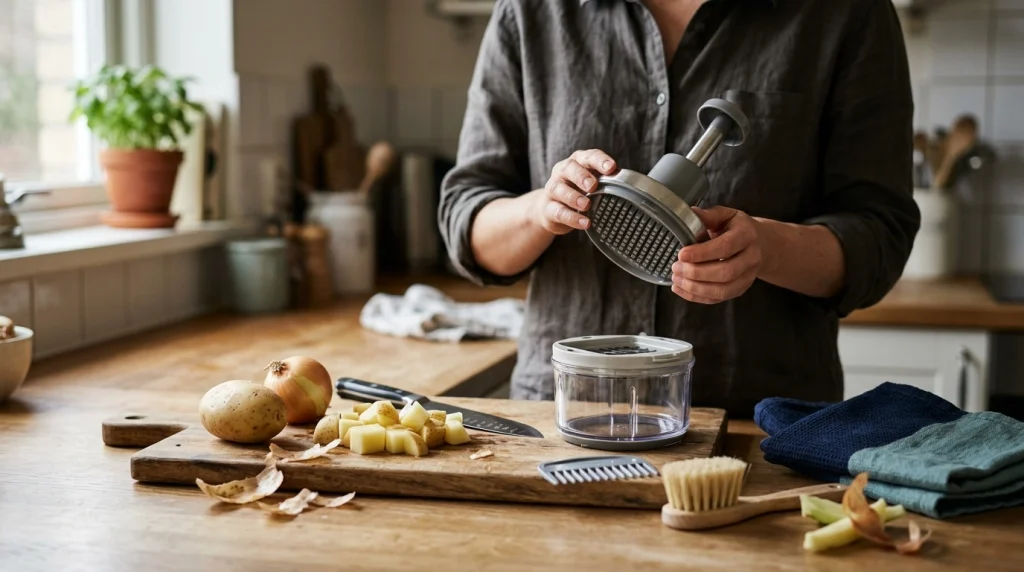
Most recurring jams can be reduced by preparing ingredients correctly, keeping the cutting grid clean, and using the attachment for its intended purpose.
- Cut ingredients to fit. Prepare large vegetables into manageable pieces before placing them on the grid.
- Check ingredient suitability. Follow the manual’s limits for hard, fibrous, or otherwise unsuitable foods.
- Position food evenly. Place the piece over the cutting area so the pusher applies pressure evenly rather than catching one edge.
- Use a controlled stroke. Follow the intended pressing motion without bouncing, twisting, or adding excessive body weight.
- Clear residue regularly. Remove accumulated food between batches, particularly when preparing starchy or fibrous ingredients.
- Clean after use. Wash the parts as directed before residue dries on the grid and pusher grooves.
- Inspect before storage. Check the blade frame, pusher teeth, hinges, and locking points for damage before putting the chopper away.
Practical Tip
If a chopper repeatedly jams with one particular vegetable, change the preparation method first. Smaller pieces may solve a sizing problem, but they will not make an ingredient suitable for a blade assembly that is not designed to cut it.
Better ingredient preparation also helps avoid other common kitchen problems. The guide to common cooking mistakes and how to avoid them provides additional context for preparing vegetables more effectively.
Frequently Asked Questions
1. Why does my vegetable chopper get stuck halfway down?
The vegetable may be too large or hard, food may be wedged in the grid, or the pusher may be misaligned. Stop pressing, release the mechanism according to the manual, and inspect the cutting area before trying again.
2. Can I force a stuck push down chopper open?
No. Excessive force can damage the hinge, plastic housing, pusher, or blade frame. Use the manufacturer’s release procedure and remove trapped food with the designated cleaning tool once the mechanism can be opened safely.
3. Why does my chopper get stuck when cutting onions?
Large onion pieces, uneven positioning, or accumulated onion layers and fibers can obstruct the grid. Cut the onion into pieces that fit the attachment, position them evenly, and clear the grid safely between batches if residue builds up.
4. Why won’t my vegetable chopper lid close properly?
Common causes include a blade insert that is not seated correctly, food trapped beneath the lid, misaligned pusher teeth, or damaged locking tabs. Check the assembly and remove any obstruction without forcing the lid shut.
5. Does cleaning a push down chopper help prevent jams?
Yes. Removing food residue from the blade grid and pusher grooves helps prevent obstructions that interfere with movement. Clean the removable components after use and follow the manufacturer’s washing and drying instructions.
6. When should I replace a stuck vegetable chopper?
Consider an approved replacement part or a new unit if the blade frame is bent, the housing is cracked, the locking mechanism is damaged, or the pusher remains stuck after proper cleaning and assembly. Stop using the chopper if its parts no longer fit together safely.
Conclusion
A push down chopper usually gets stuck because food does not fit the blade grid, the ingredients are too hard, residue blocks the cutting openings, or the parts are misaligned. Stop pressing when resistance occurs, clear obstructions safely, and check the assembly before using it again.
If the chopper still sticks when empty or shows signs of damage, stop using it and follow the manufacturer’s repair or replacement guidance rather than forcing the mechanism.